Content options
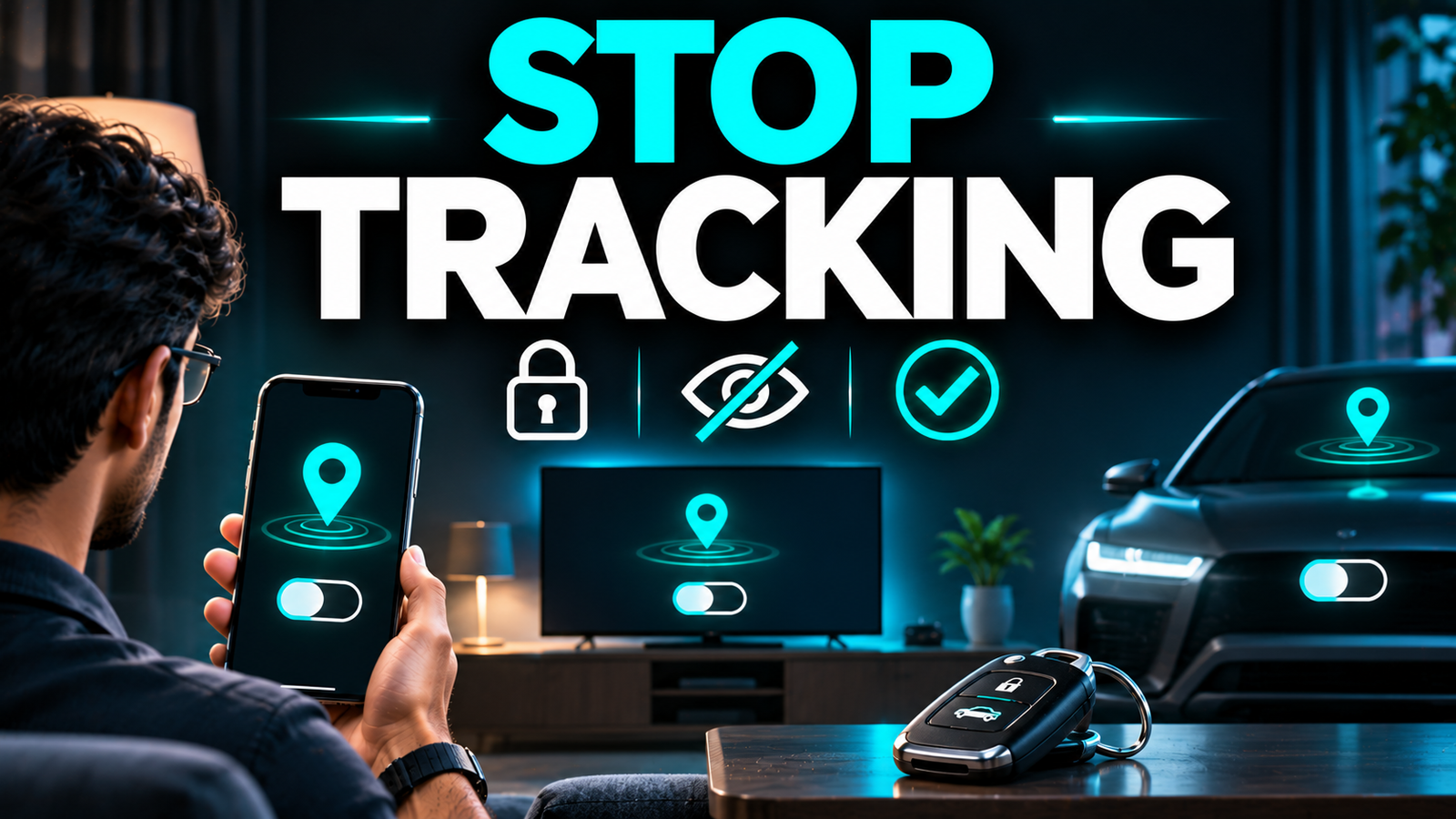
Smart devices track you mainly through location signals, advertising identifiers, app permissions, sensors and the accounts you sign in with. You cannot switch tracking off completely and still use a connected phone, TV or car normally, but about 30 minutes of settings changes cuts most of it. This guide walks through phones, apps, smart TVs and cars, with separate paths for Android and iPhone.
News coverage, including a recent News4JAX report, has put fresh attention on how much data everyday gadgets gather. The practical answer does not depend on any single story: the same few settings matter on almost every device.
Key takeaways
- Location, advertising ID, microphone and contacts permissions are the four settings that reduce the most tracking.
- Set apps to "While using the app" for location, and turn off precise location for apps that only need your city.
- Smart TVs often track what you watch through a feature called automatic content recognition (ACR). It can be switched off in the privacy or terms menu.
- Before selling or returning a car, delete your phone pairing, saved addresses and the linked manufacturer app account.
How do smart devices and apps track you?
Tracking is rarely one big switch. It is a layer of small signals that, put together, describe where you go, what you watch, what you buy and who you talk to.
- Location: GPS, Wi-Fi networks and Bluetooth beacons nearby, and mobile towers. Even with GPS off, Wi-Fi and Bluetooth scanning can place you within a few metres indoors.
- Advertising ID: a resettable number on your phone that lets advertisers link your activity across different apps.
- Account activity: when you sign in to Google, Apple, Amazon, Meta or a TV maker's account, searches, views and purchases attach to one profile.
- Embedded code: many apps include third-party software kits for analytics and ads. These collect data on behalf of companies you never signed up with.
- Sensors: microphone, camera, motion, Bluetooth and, on wearables, heart rate and sleep data.
Most of this happens because you tapped "Allow" once, or accepted terms without reading them. That is also why the fix is mostly a review of what you already agreed to.
What data do apps collect?
The exact list differs by app, and the privacy label in the app store tells you what a particular app says it collects. These are the usual categories.
| Data type | Where it comes from | Typical reason given |
|---|---|---|
| Precise location | GPS, Wi-Fi, Bluetooth | Maps, delivery, ride booking, ads |
| Contacts | Address book permission | Finding friends, invites |
| Device identifiers | Advertising ID, phone model, IP address | Analytics, fraud checks, ad targeting |
| Usage and browsing | In-app taps, searches, watch history | Recommendations, ad profiles |
| Photos, files | Storage or photo permission | Uploads, editing, backup |
| Audio and voice | Microphone, voice assistant | Calls, voice commands, assistant improvement |
| Health and fitness | Wearable and phone sensors | Activity tracking, health insights |
A torch app asking for contacts or a calculator asking for location is a red flag. Ask a simple question: does this app need this data to do what I installed it for?
How do I stop apps tracking me on Android?
Menu names vary slightly by brand (Samsung, Xiaomi, Realme, Vivo, Pixel) and by Android version. Use the search bar inside Settings if a path does not match.
- Open the Privacy dashboard. Go to Settings > Privacy (or Security and privacy) > Privacy dashboard on recent Android versions. It shows which apps used location, camera and microphone recently.
- Review location permissions. Go to Settings > Location > App location permissions. Change most apps to "Allow only while using the app" or "Don't allow". Switch off "Use precise location" for shopping, news and social apps.
- Delete your advertising ID. Go to Settings > Privacy > Ads and choose to delete the advertising ID where the option exists. On older versions, use "Opt out of ads personalisation".
- Check Google activity controls. Open Settings > Google > Manage your Google Account > Data and privacy. Review Web and App Activity, Location History and YouTube History. Pause what you do not want and set auto-delete to a shorter period.
- Turn off background scanning. Under Location > Location services, look for Wi-Fi scanning and Bluetooth scanning. Turning them off reduces passive location checks, though some features like finding nearby devices may work less smoothly.
- Clean the permission manager. Go to Settings > Privacy > Permission manager and check Contacts, Microphone, Camera and Files. Remove access from apps you rarely open, and uninstall apps you have not used in months.
How do I turn off location tracking on iPhone?
- Review Location Services. Go to Settings > Privacy and Security > Location Services. Tap each app and choose Never, Ask Next Time, or While Using the App. Turn off Precise Location for apps that do not need exact positioning.
- Stop cross-app tracking. Go to Settings > Privacy and Security > Tracking and switch off "Allow Apps to Request to Track". This blocks the pop-up and the permission for all new apps.
- Limit Apple's own ads. In Privacy and Security, open Apple Advertising and turn off Personalised Ads.
- Check System Services. At the bottom of Location Services, tap System Services. Significant Locations records places you visit often. Clear the history and switch it off if you do not need it.
- Use App Privacy Report. In Privacy and Security, turn on App Privacy Report to see which apps accessed location, microphone or camera, and which domains they contacted.
- Audit other permissions. Check Contacts, Photos, Microphone, Bluetooth and Local Network in the same menu. Photos can be set to "Selected Photos" instead of full library.
Keep Find My on for your own phone. That is tracking you control, and it matters if the phone is stolen. Our guide on how to block a lost phone in India explains what to do if it goes missing.
What should I change on a smart TV?
Smart TVs are often the least reviewed tracker at home. Many models use ACR, which identifies what is on screen, including content from cable boxes, apps and HDMI-connected devices, and uses it to build viewing profiles for recommendations and ads.
- Find the ACR setting. Look under Settings > General or Privacy, or in the terms and policies section. Names differ by maker. Samsung has used wording like "Viewing Information Services", and LG has used "Live Plus". Turn off anything described as viewing information, content recognition or personalised content.
- Turn off ad personalisation and reset the TV's advertising ID if the option is offered.
- Review voice features. If you do not use the voice assistant, disable the microphone or the always-listening option. Many remotes have a physical mic button, which is the safer way to use voice.
- Remove unused apps and accounts. Log out of streaming accounts you no longer use.
- Consider a streaming stick. If a TV offers few privacy controls, a separate streaming device with better settings, or simply keeping the TV offline and casting from your phone, limits what the TV can send.
If your TV has a built-in camera, cover it when not in use or check whether the setting can be disabled.
How do connected cars track you?
Many newer cars in India come with connected features: a manufacturer app, remote lock and unlock, live location, driving alerts and an infotainment screen that pairs with your phone. That convenience means the car or its app can record where you drive, how fast, and which contacts and messages were synced.
- Check the manufacturer app. Open its Settings and Privacy sections. Turn off location sharing, driving behaviour sharing and marketing data wherever you can.
- Review infotainment permissions. When pairing by Bluetooth, say no to syncing contacts and messages unless you use them for calls.
- Look at Android Auto or Apple CarPlay settings on your phone to see which apps can show on the car screen.
- Ask the dealer in writing what data the connected service collects, who it is shared with, and how to switch it off. Policies differ a lot between brands and models, so check yours.
- Before selling, returning or lending the car, delete your phone from the paired list, clear saved addresses and unlink the app account. Then do a factory reset of the infotainment system.
If you use a satellite-based navigation app, the signals are used to compute position on your device. Our explainer on NavIC and what it means for your phone covers how that positioning works.
A 30-minute privacy audit you can do tonight
- Spend 10 minutes on your phone: location permissions, advertising ID, microphone and contacts.
- Spend 5 minutes on your Google or Apple account activity controls.
- Spend 5 minutes on the TV: ACR, ad personalisation and voice.
- Spend 5 minutes on the car app and Bluetooth pairing list.
- Spend 5 minutes uninstalling apps you have not opened for three months.
Fewer apps means fewer data collectors. Of all the steps here, uninstalling unused apps is probably the one with the best return for the time spent.
Common mistakes to avoid
- Choosing "Always allow" for location because it avoids pop-ups. Few apps need it.
- Turning off location for everything, then turning it back on when Maps or a cab app fails. Pick the apps that genuinely need it and leave those.
- Ignoring wearables. Fitness bands and smartwatches hold health and sleep data, so review their companion app settings too. Our guide to AI wearables is a good place to start when choosing one.
- Believing incognito or private mode makes you invisible. It only stops your own device from saving history.
- Skipping software updates, which often carry privacy and security fixes.
Myths and facts about tracking
| Myth | Fact |
|---|---|
| Turning off GPS stops all location tracking. | Wi-Fi, Bluetooth, mobile networks and your IP address can still give an approximate location. |
| Only free apps collect your data. | Paid apps and devices can also collect data, so check the privacy label whatever you paid. |
| If an app asks permission, it must need it. | Apps often ask for more than their core function requires. You can usually refuse and still use the app. |
| Deleting an app deletes my data. | Data already collected may stay on company servers. Use the app's account deletion or data request option. |
What rights do you have in India?
India's Digital Personal Data Protection Act, 2023 is built around consent and gives individuals rights such as access to information and correction or erasure of their data. Check the current status of its rules and which provisions are in force, since implementation has been phased. In practice, look for a "Delete account" or "Manage my data" option in each app and a grievance contact in the privacy policy.
If someone misuses your data or you suspect fraud, see our guide on how to report cyber fraud in India. The national portal is cybercrime.gov.in. For legal questions about a specific data misuse, speak to a lawyer.
FAQ
Can my phone track me if location is turned off?
Partly. GPS stops, but your phone still connects to mobile towers and Wi-Fi, and apps can estimate rough location from your IP address. Individual apps with permission to scan Wi-Fi or Bluetooth may also infer where you are.
Is my phone microphone always listening to show me ads?
There is no settled public proof that phones secretly record conversations for ads, and companies generally deny it. Voice assistants do listen for a wake word, though. Ads can feel eerily accurate because of location, searches and contacts. Review microphone permissions regardless.
Does a VPN stop tracking?
A VPN hides your IP address from websites and your browsing from your internet provider. It does not stop an app from reading permissions you gave it or an account from linking your activity. Treat it as one tool, not a full fix.
Will turning off tracking break my apps?
Some features may become less convenient, for example nearby suggestions or personalised recommendations. Core functions usually keep working. If an app really needs a permission, you can switch it back on for that app alone.
How often should I review these settings?
Do the full checklist once, then a quick check every few months and after major software updates, which can reset or add settings. Review again whenever you buy a new phone, TV or car.
Bottom line
For most people in India, the best return comes from three actions: set location to "only while using", delete or reset the advertising ID, and switch off ACR on the TV. Do those tonight, then work through the car and the unused-app clean-up this weekend. If you find an app misusing your data, uninstall it and keep a screenshot before reporting it.