Content options
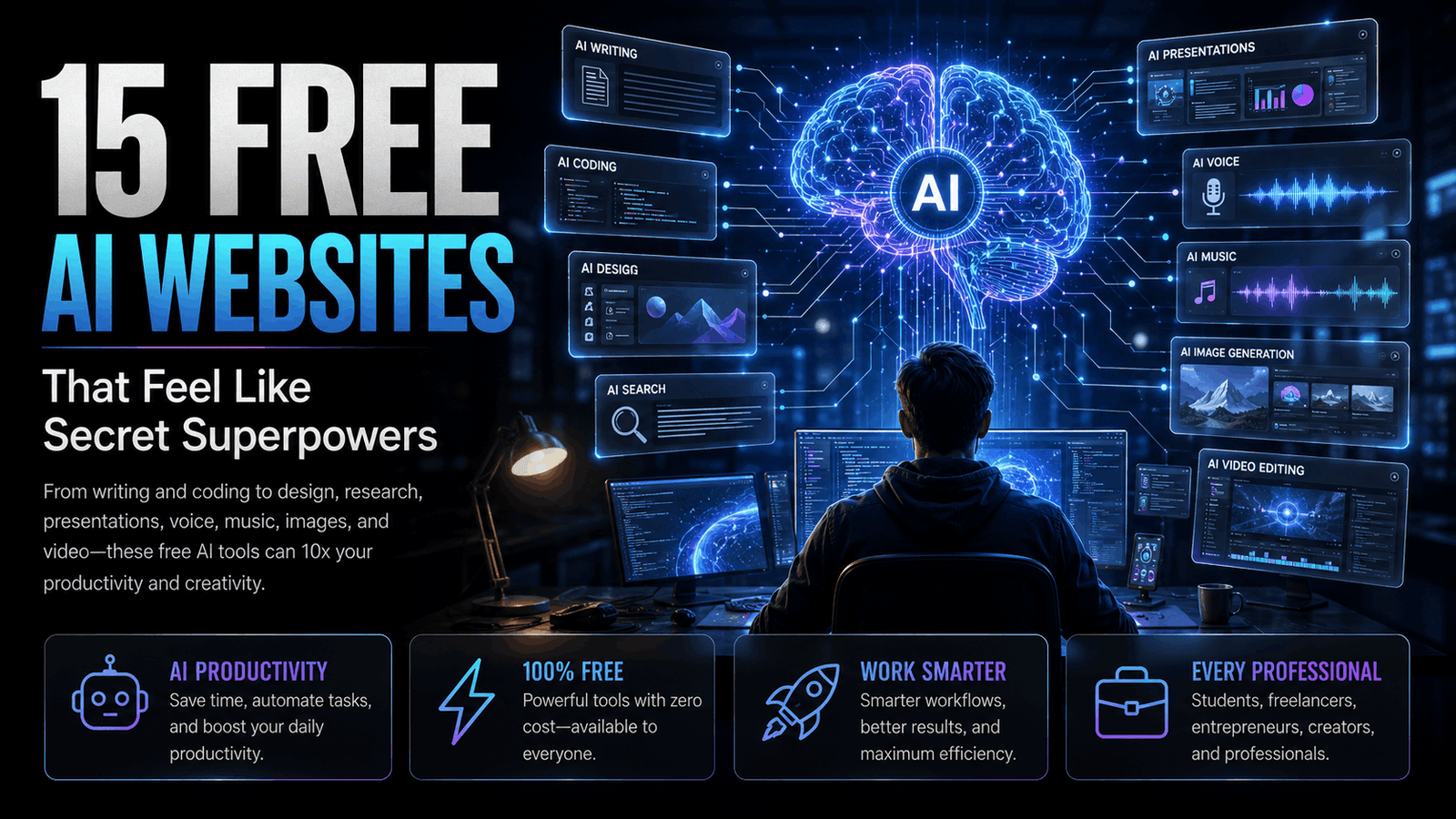
15 Free AI Websites That Feel Like Secret Superpowers (But Anyone Can Use)
Introduction
Artificial Intelligence is no longer just for software engineers or large companies. Today, anyone with an internet connection can use AI to write content, create presentations, design graphics, edit videos, generate images, summarize research, write code, and even build websites—all in minutes.
The best part? Many of these tools offer generous free plans that are powerful enough for students, freelancers, creators, marketers, entrepreneurs, and professionals.
If you're looking to work smarter, save time, or simply explore what AI can do, here are 15 free AI websites that genuinely feel like having a superpower.
1. ChatGPT
🌐 Best For
Writing, brainstorming, coding, emails, business ideas, learning, and productivity.
Why You'll Love It
ChatGPT can help you draft articles, solve coding problems, explain complex topics, generate business ideas, summarize documents, and much more.
Perfect For
✅ Students
✅ Professionals
✅ Business Owners
✅ Designers
✅ Developers
⭐ Rating: 5/5
2. Claude
🌐 Best For
Long-form writing, document analysis, research, and professional communication.
Why It's Great
Claude excels at understanding lengthy documents and producing natural, well-structured responses. It's especially useful for reports, contracts, and research summaries.
Perfect For
Researchers
Writers
Lawyers
Business Professionals
⭐ Rating: 5/5
3. Google Gemini
🌐 Best For
Google ecosystem, productivity, planning, research, and AI assistance.
Why Use It
Gemini integrates well with Google's ecosystem and helps with planning trips, summarizing information, brainstorming ideas, and creating content.
Perfect For
Students
Google Workspace users
Professionals
⭐ Rating: 4.8/5
4. Perplexity AI
🌐 Best For
AI-powered search with sources.
Why It's Amazing
Instead of showing hundreds of links, Perplexity provides direct answers backed by citations, making research much faster.
Perfect For
Researchers
Students
Journalists
Content Creators
⭐ Rating: 5/5
5. NotebookLM
🌐 Best For
Research, PDFs, study notes, and document summaries.
Why You'll Love It
Upload your notes, PDFs, or documents, and NotebookLM turns them into an intelligent research assistant that can answer questions based on your own content.
Perfect For
Students
Teachers
Researchers
Professionals
⭐ Rating: 5/5
6. Gamma
🌐 Best For
Presentation creation.
Why It's Useful
Create beautiful presentations, proposals, and documents in minutes without spending hours on design.
⭐ Rating: 4.9/5
7. Napkin AI
🌐 Best For
Turning ideas into diagrams and visual explanations.
Why It Stands Out
Simply type your idea, and Napkin AI converts it into professional-looking flowcharts and visual diagrams.
⭐ Rating: 4.8/5
8. Canva AI
🌐 Best For
Social media, presentations, posters, thumbnails, and branding.
Why It's Popular
Canva AI combines design templates with AI-powered writing, image generation, and editing tools, making it ideal for creators and marketers.
⭐ Rating: 5/5
9. ElevenLabs
🌐 Best For
AI voice generation, voice cloning, audiobooks, podcasts, and video narration.
Why You'll Love It
ElevenLabs creates incredibly natural-sounding voices in multiple languages. Content creators, YouTubers, educators, and businesses use it to generate professional voiceovers without hiring voice artists.
Perfect For
🎙️ YouTubers
🎧 Podcasters
🎥 Video Creators
📚 Educators
⭐ Rating: 5/5
10. Runway
🌐 Best For
AI video editing and content creation.
Why It's Amazing
Runway can remove backgrounds, generate videos from text, erase unwanted objects, create cinematic effects, and significantly speed up video production.
Perfect For
🎬 Filmmakers
📱 Content Creators
🎥 Video Editors
⭐ Rating: 4.9/5
11. Ideogram
🌐 Best For
AI image generation with accurate text rendering.
Why It's Special
Unlike many AI image generators, Ideogram produces images with readable typography, making it ideal for posters, social media graphics, logos, and marketing materials.
Perfect For
🎨 Designers
📢 Marketers
🛍️ Business Owners
⭐ Rating: 4.9/5
12. Grok
🌐 Best For
Real-time information, brainstorming, coding, and everyday questions.
Why People Like It
Grok combines conversational AI with access to current information, making it useful for discussing trending topics and solving technical problems.
Perfect For
💻 Developers
📈 Professionals
📰 News Readers
⭐ Rating: 4.8/5
13. Lovable
🌐 Best For
Building websites and web applications using AI.
Why It's Powerful
Describe your idea in plain English, and Lovable helps generate a working web application interface with minimal coding effort.
Perfect For
🚀 Startups
👨💻 Developers
💼 Entrepreneurs
⭐ Rating: 4.8/5
14. Cursor
🌐 Best For
AI-assisted programming.
Why Developers Love It
Cursor helps write code, explain functions, fix bugs, refactor projects, and increase development speed directly inside the editor.
Perfect For
👨💻 Developers
🎓 Programming Students
⭐ Rating: 5/5
15. Suno
🌐 Best For
Creating AI-generated music and songs.
Why It's Fun
Simply enter lyrics or describe a musical style, and Suno can generate complete songs with vocals and instrumentals in minutes.
Perfect For
🎵 Musicians
🎬 Content Creators
📱 Social Media Creators
⭐ Rating: 4.9/5
📊 Quick Comparison Table
| AI Tool | Best For | Free Plan |
|---|---|---|
| ChatGPT | Writing & Productivity | ✅ |
| Claude | Research & Documents | ✅ |
| Gemini | Google AI Assistant | ✅ |
| Perplexity | AI Search | ✅ |
| NotebookLM | Research Notes | ✅ |
| Gamma | Presentations | ✅ |
| Napkin AI | Diagrams | ✅ |
| Canva AI | Graphic Design | ✅ |
| ElevenLabs | AI Voice | ✅ |
| Runway | Video Editing | ✅ |
| Ideogram | AI Images | ✅ |
| Grok | AI Assistant | ✅ |
| Lovable | App Building | ✅ |
| Cursor | AI Coding | ✅ |
| Suno | AI Music | ✅ |
🏆 Which AI Tool Is Best for You?
👨🎓 Students
- ChatGPT
- NotebookLM
- Gemini
- Perplexity
🎨 Designers
- Canva AI
- Ideogram
- Runway
- Napkin AI
👨💻 Developers
- Cursor
- ChatGPT
- Claude
- Lovable
💼 Business Owners
- ChatGPT
- Gamma
- Canva AI
- Claude
🎥 Content Creators
- Runway
- ElevenLabs
- Suno
- Canva AI
⭐ Blog of Time Insight
Artificial Intelligence isn't replacing creativity—it is amplifying it. The professionals who learn to use AI effectively are likely to work faster, produce higher-quality results, and stay competitive in an increasingly digital world. Rather than relying on a single tool, the smartest approach is to build an AI toolkit that matches your workflow.
✅ Key Takeaways
✔ AI tools can significantly reduce the time spent on writing, design, coding, research, and content creation.
✔ Most professionals don't need dozens of tools—choosing a few that fit their workflow is often enough.
✔ Many leading AI platforms offer capable free plans, making it easy to experiment before paying.
✔ AI works best when combined with human creativity, judgment, and expertise.
✔ Learning to use AI productively is becoming an increasingly valuable career skill.
📌 Conclusion
Artificial Intelligence is changing how we learn, work, and create. Whether you're a student preparing assignments, a freelancer managing clients, a designer creating visuals, or a business owner looking to improve productivity, these AI websites can help you accomplish more in less time.
The best way to begin is simple: choose one or two tools that match your needs, use them consistently, and gradually expand your AI toolkit as your workflow evolves.
❓Frequently Asked Questions
1. Are these AI websites really free?
Most of them offer free plans with useful features. Some also provide paid upgrades for advanced capabilities.
2. Which AI tool is best for students?
ChatGPT, NotebookLM, Gemini, and Perplexity are among the most useful options for studying, research, and learning.
3. Which AI tool is best for graphic design?
Canva AI and Ideogram are excellent choices for creating social media graphics, presentations, posters, and marketing materials.
4. Which AI tool is best for coding?
Cursor, ChatGPT, and Claude are widely used by developers for coding assistance, debugging, and code explanations.
5. Will AI replace professionals?
AI is changing how many jobs are performed, but human creativity, decision-making, and expertise remain essential. Professionals who learn to use AI effectively are likely to gain the greatest advantage.