Content options
Gemini Personal Intelligence is live in India: 5 settings to change now
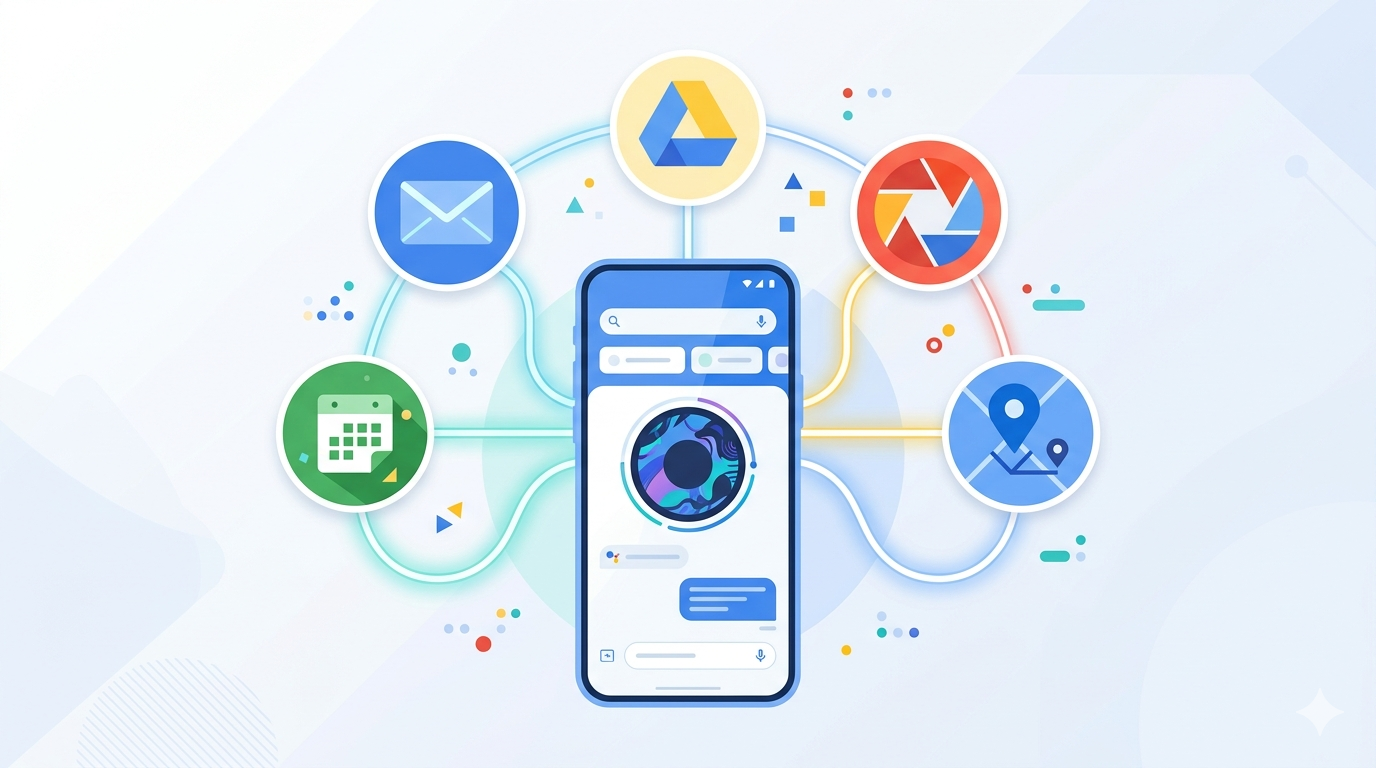
Google's Gemini Personal Intelligence has officially launched in India — and it is a significant upgrade from basic Gemini usage. Personal Intelligence lets Gemini access your Gmail, Google Drive, Calendar, Google Photos, and other connected services to give you contextual, personalised responses instead of generic answers. But out of the box, several key settings are either off or suboptimally configured. Here is exactly what to change first.
Setting 1: enable Gemini extensions for Google Workspace
By default, Gemini does not connect to your Gmail, Drive, Docs, or Calendar. Go to gemini.google.com, click on Extensions (plugin icon), and enable the Google Workspace extension. Once active, you can ask Gemini to "summarise my unread emails from today," "find the contract I shared last month," or "what's on my calendar this week" — and it will actually look. This is the single most transformative toggle in Personal Intelligence.
Setting 2: set your personal context preferences
Navigate to Gemini Settings > Personalisation. Here you can tell Gemini your name, occupation, communication preferences, and areas of interest. This context shapes how Gemini frames responses — a Mumbai-based marketing professional gets different default framing than a Bengaluru software developer. More context means more useful answers on the first try.
Setting 3: choose your response language and tone
India's Gemini launch supports multiple regional languages including Hindi, Tamil, Telugu, Bengali, and Kannada. If you work bilingually, set your preferred language under Settings > Language. Also set your default tone preference — formal, conversational, or technical — which Gemini uses as a baseline for all responses until you override it per prompt.
Setting 4: review and adjust data privacy controls
Personal Intelligence accesses real personal data — which means the privacy controls matter. Go to myaccount.google.com > Data & Privacy > Gemini Apps Activity. Here you control what Gemini stores, how long it retains your conversation history, and whether your interactions improve Google's AI models. For most users, turning off "improve Gemini models" while keeping activity history on gives the best privacy-to-utility balance.
Setting 5: activate Gemini in Google Photos and Maps
Gemini's integration with Google Photos lets you search memories and ask questions about your images. Enable it under Photos Settings > Gemini. For Maps, enable the Gemini travel assistant integration — it allows you to ask "what are good vegetarian restaurants near my next calendar event" and get geo-contextual answers. Both are off by default in the Indian rollout.
| Setting | Where to Find It | Why It Matters |
|---|---|---|
| Workspace Extensions | gemini.google.com > Extensions | Unlocks Gmail, Drive, Calendar access |
| Personal Context | Gemini Settings > Personalisation | Shapes response relevance to your life |
| Language & Tone | Settings > Language | Regional language + communication style |
| Privacy Controls | myaccount.google.com > Data & Privacy | Controls data retention and model training |
| Photos & Maps | Photos Settings; Maps > Gemini | Contextual memory and geo-aware answers |